
Inside the Workshop
Why We Built Smart Backorder Messaging
Growing up with a repair and retail store in the family, I can’t remember a time when I didn’t know what the word backorder meant.
Apparently that isn’t true for most customers.
I didn’t realize that until our business began shifting from mostly repair parts and service into a broader retail store.
In the parts world, backorders are simply part of doing business. It doesn’t make sense for every dealer to stock expensive, slow-moving parts with very limited crossover. Customers generally understand that some parts have to be ordered from the manufacturer.
Retail customers don’t see it the same way.
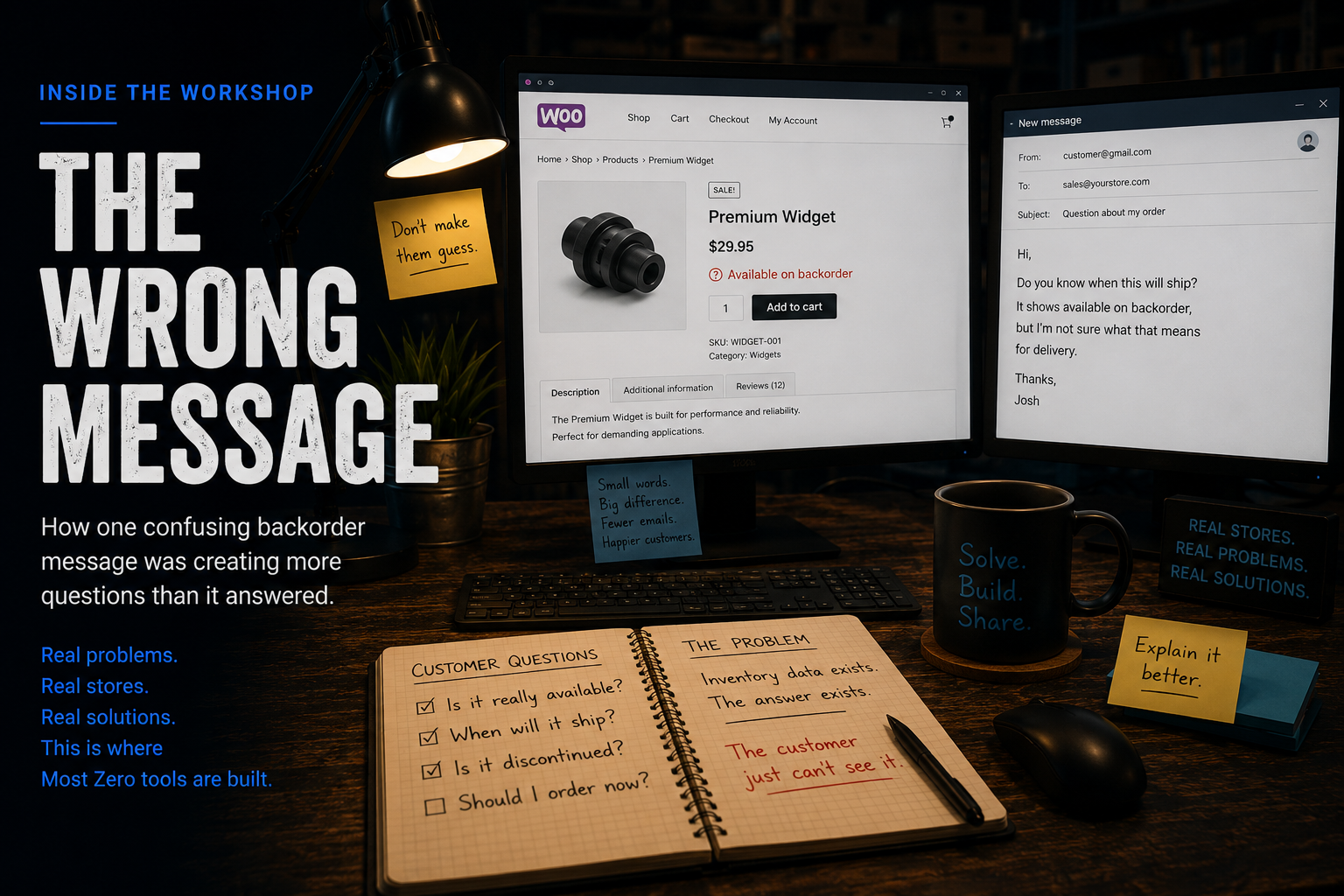
As our retail business grew, so did the number of frustrated phone calls and emails asking the same question:
“Why hasn’t my order shipped?”
The answer was almost always the same.
The product page had displayed WooCommerce’s standard “Available on Backorder” message.
Technically, WooCommerce wasn’t wrong.
The product really was available on backorder.
The problem was that many customers didn’t know what available on backorder actually meant.
To them, “available” sounded like it should ship immediately.
What WooCommerce considered inventory information, customers interpreted as a shipping promise.
See It In Action
The plugin doesn’t change your inventory.
It doesn’t change how WooCommerce tracks stock.
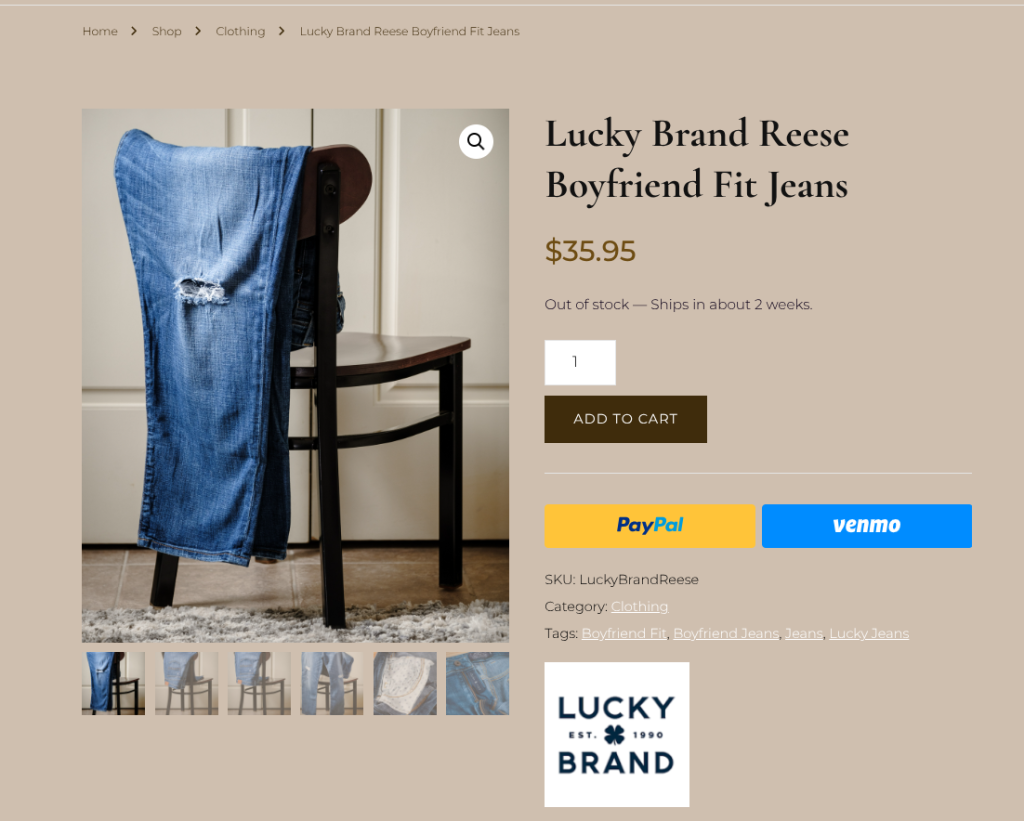
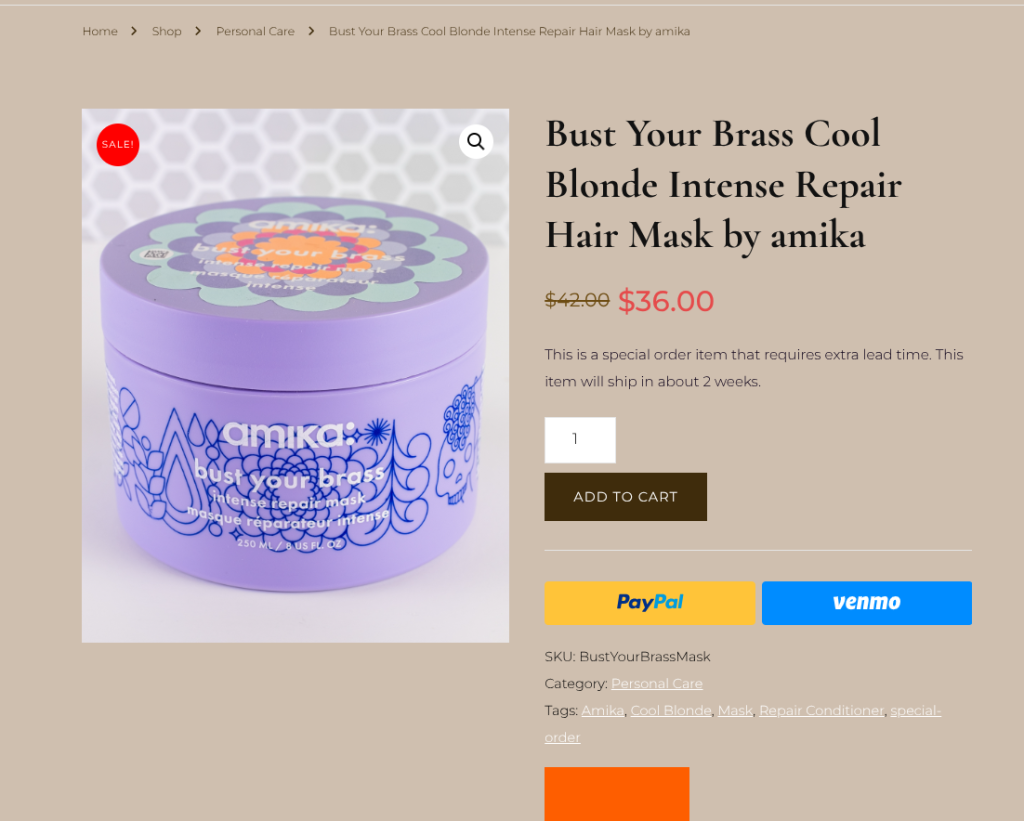
Instead, it lets you replace generic backorder messages with language that customers immediately understand.
Instead of:
Available on Backorder
You can display messages such as:
- Special Order
- Ships from Manufacturer
- Expected in 7–10 Business Days
- Custom wording that matches your business


The goal isn’t to hide the fact that an item isn’t in stock.
The goal is to explain it clearly before the customer places the order.
The Real Problem
Once we started paying attention, we realized the issue wasn’t inventory.
It was communication.
Customers weren’t upset because they had ordered a backordered item.
They were upset because they didn’t realize they had ordered a backordered item.
That small misunderstanding created unnecessary emails, phone calls, cancellations, and frustrated customers.
A better message solved a surprising amount of that frustration.
Small Words. Big Difference.
Good operational software isn’t always about adding bigger features.
Sometimes it’s about removing confusion.
One sentence on a product page can prevent a customer service email.
One clear explanation can eliminate an unnecessary phone call.
One better message can create a better buying experience.
Smart Backorder Messaging doesn’t replace WooCommerce’s inventory system.
It simply helps your storefront communicate what your inventory is actually telling customers.
Sometimes that’s the difference between a confused customer…
…and a confident one.
Bring It to Your Store
We originally built Smart Backorder Messaging because we were tired of answering the same questions over and over again.
If your store sells special-order products, distributor inventory, manufacturer-direct items, or anything that isn’t always sitting on your shelf, your customers deserve better than a generic “Available on Backorder” notice.
Sometimes the smallest changes create the biggest improvements.




Smart Backorder Messaging
Turn confusing backorder messages into clear, customer-friendly communication that drives sales.